Developer Tools
Fire Arrow Server includes several built-in tools for querying and exploring FHIR data. These are accessible from the header navigation when the corresponding server features are enabled.
GraphQL Explorer
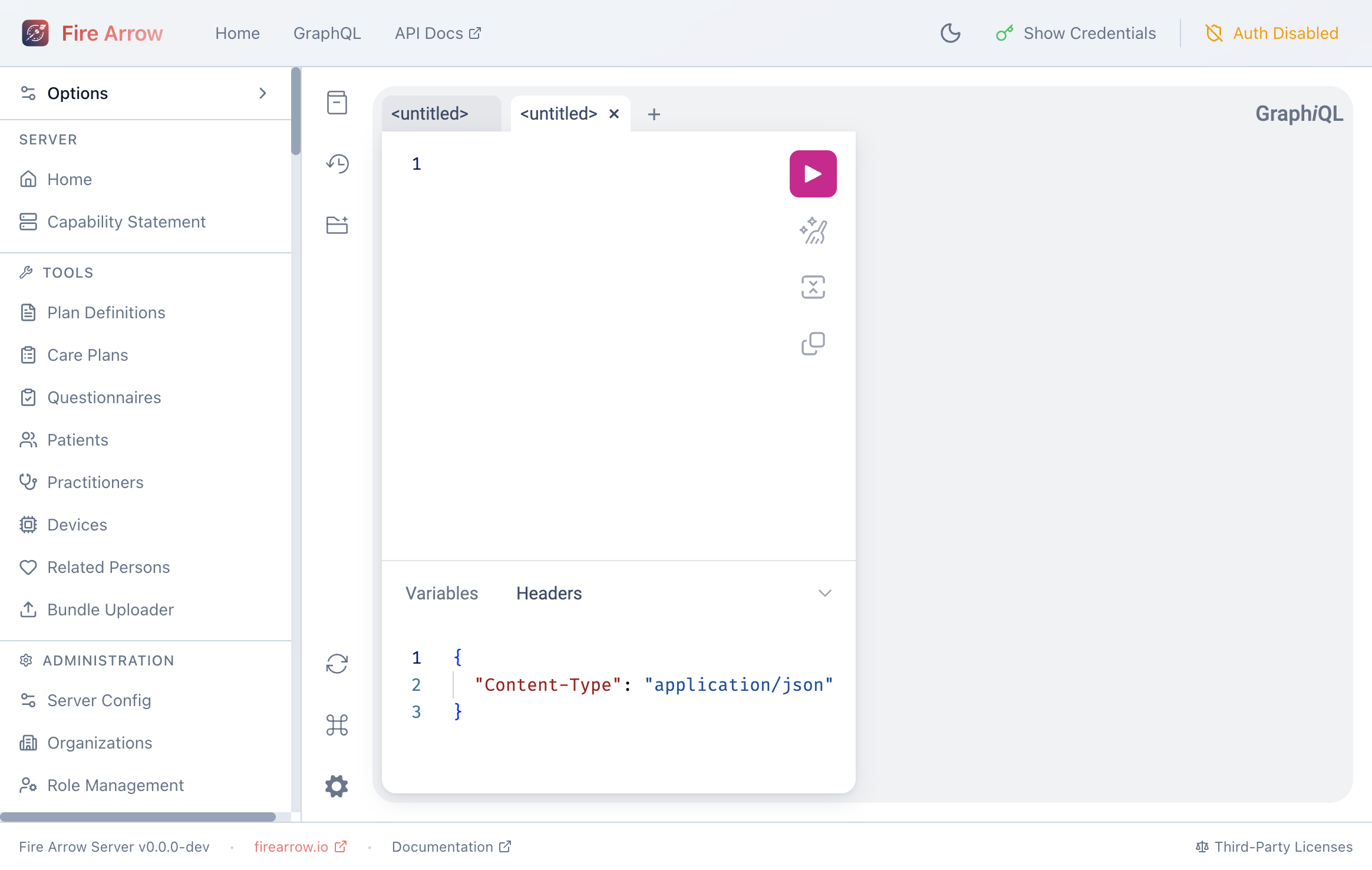
The GraphQL Explorer provides an interactive playground for writing and executing GraphQL queries against the FHIR data store. Access it by clicking GraphQL in the header.
The GraphQL link only appears when GraphQL is enabled on the server (see Server Configuration).
Writing Queries
The editor supports:
- Syntax highlighting for GraphQL.
- Auto-completion - press
Ctrl+Spaceto see available fields and types. - Multiple tabs - work on several queries simultaneously.
- Variables panel - define query variables as JSON.
- Headers panel - set custom HTTP headers (e.g. authorization tokens).
Running Queries
Press Ctrl+Enter or click the Play button to execute the query. Results appear in the right panel as formatted JSON.
Schema Documentation
Click the Docs panel on the right side to browse the full GraphQL schema, including all available resource types, fields, and query parameters.
Example Query
{
  PatientList(_count: 5) {
    id
    name {
      given
      family
    }
    birthDate
    gender
  }
}
Capability Statement
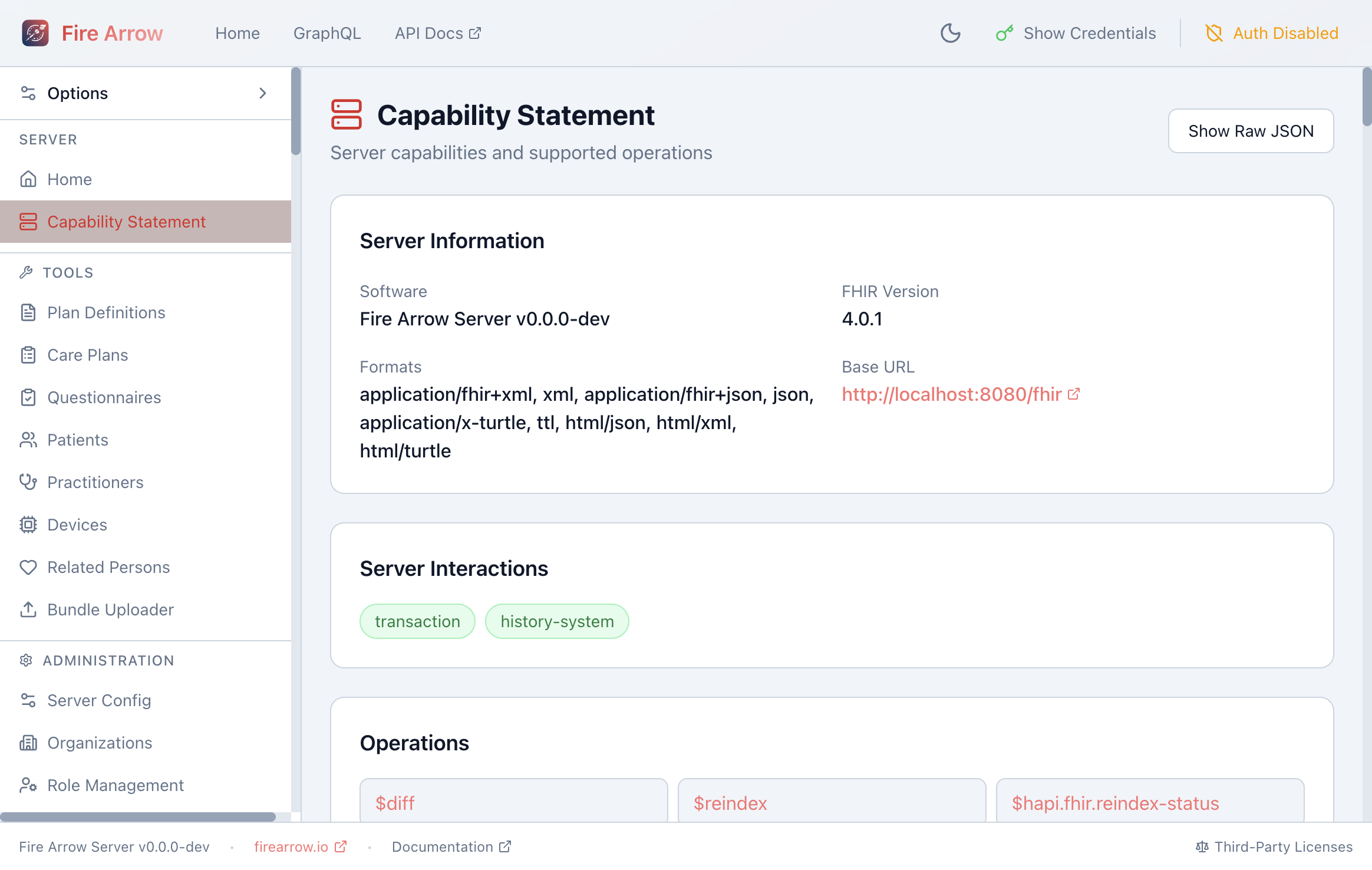
The Capability Statement page (accessible from Server > Capability Statement in the sidebar) renders the server's FHIR CapabilityStatement in a structured format:
- Server Information - software version, FHIR version, supported formats, and base URL.
- Server Interactions - supported server-level operations (transaction, history-system).
- Operations - all custom operations available on the server (e.g.
$apply,$me,$graphql,$expunge). - Resources - every supported resource type with its interaction count and search parameter count. Expand a resource to see details.
Click Show Raw JSON to view the underlying CapabilityStatement resource.
CQL Runner
When Clinical Reasoning is enabled, a CQL link appears in the header. The CQL runner lets you:
- Write CQL (Clinical Quality Language) library definitions.
- Execute them against patient data on the server.
- View results inline.
Sample queries are provided to help you get started.
HFQL Query Tool
When enabled, the HFQL link in the header opens a SQL-like query interface for FHIR data. HFQL (HAPI FHIR Query Language) lets you write queries such as:
SELECT name.family, name.given, birthDate
FROM Patient
WHERE birthDate >= '1990-01-01'
LIMIT 10
Sample queries are provided, and results are displayed in a tabular format.