Bundle Uploader
The Bundle Uploader lets you upload FHIR Bundle files to the server in bulk. Open it from Tools > Bundle Uploader in the sidebar.
note
Requires the bundle-upploader UI feature code or administrator access.
Overview
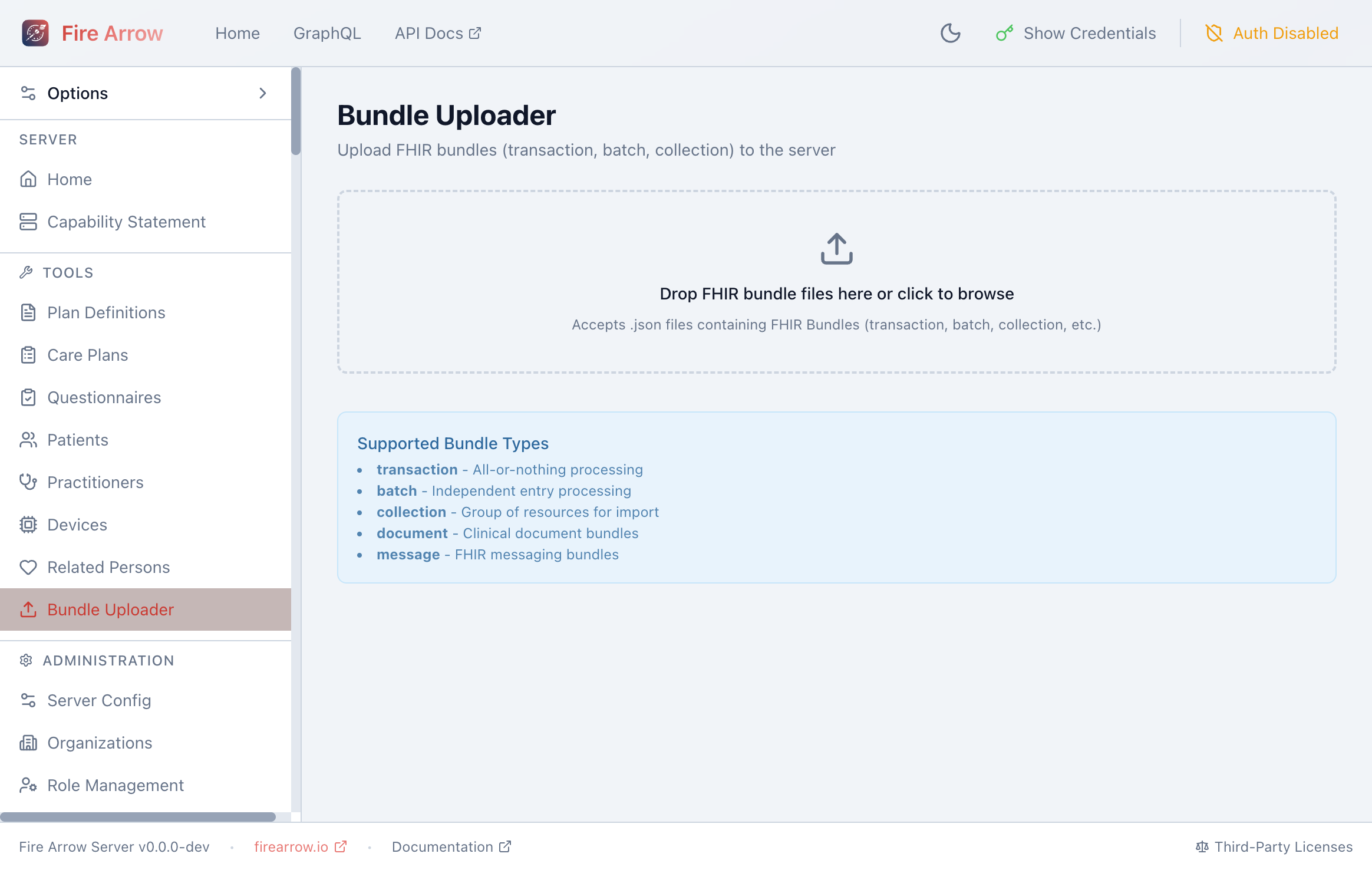
The page provides a drag-and-drop area for uploading .json files containing FHIR Bundles.
Uploading a Bundle
- Drag and drop one or more
.jsonfiles onto the upload area, or click the area to open a file picker. - The uploader validates that each file contains a valid FHIR Bundle.
- The bundle is submitted to the server for processing.
- Results are displayed below the upload area, showing the outcome for each entry in the bundle.
Supported Bundle Types
The uploader accepts all standard FHIR bundle types:
| Type | Behavior |
|---|---|
| transaction | All-or-nothing processing. If any entry fails, the entire bundle is rolled back. |
| batch | Each entry is processed independently. Failures in one entry do not affect others. |
| collection | A group of resources imported as-is. |
| document | Clinical document bundles (Composition + referenced resources). |
| message | FHIR messaging bundles (MessageHeader + payload resources). |
Interpreting Results
After upload, each entry in the bundle is listed with its HTTP status:
- 201 Created - the resource was successfully created.
- 200 OK - the resource was successfully updated.
- 4xx / 5xx errors - the entry failed, with an error message explaining the reason.
For transaction bundles, either all entries succeed or all are rolled back with an error.